Client
Role
Industry
Year
Human-Centered Design, Rapid Prototyping, Laser Cutting, User Testing, SolidWorks
Tools
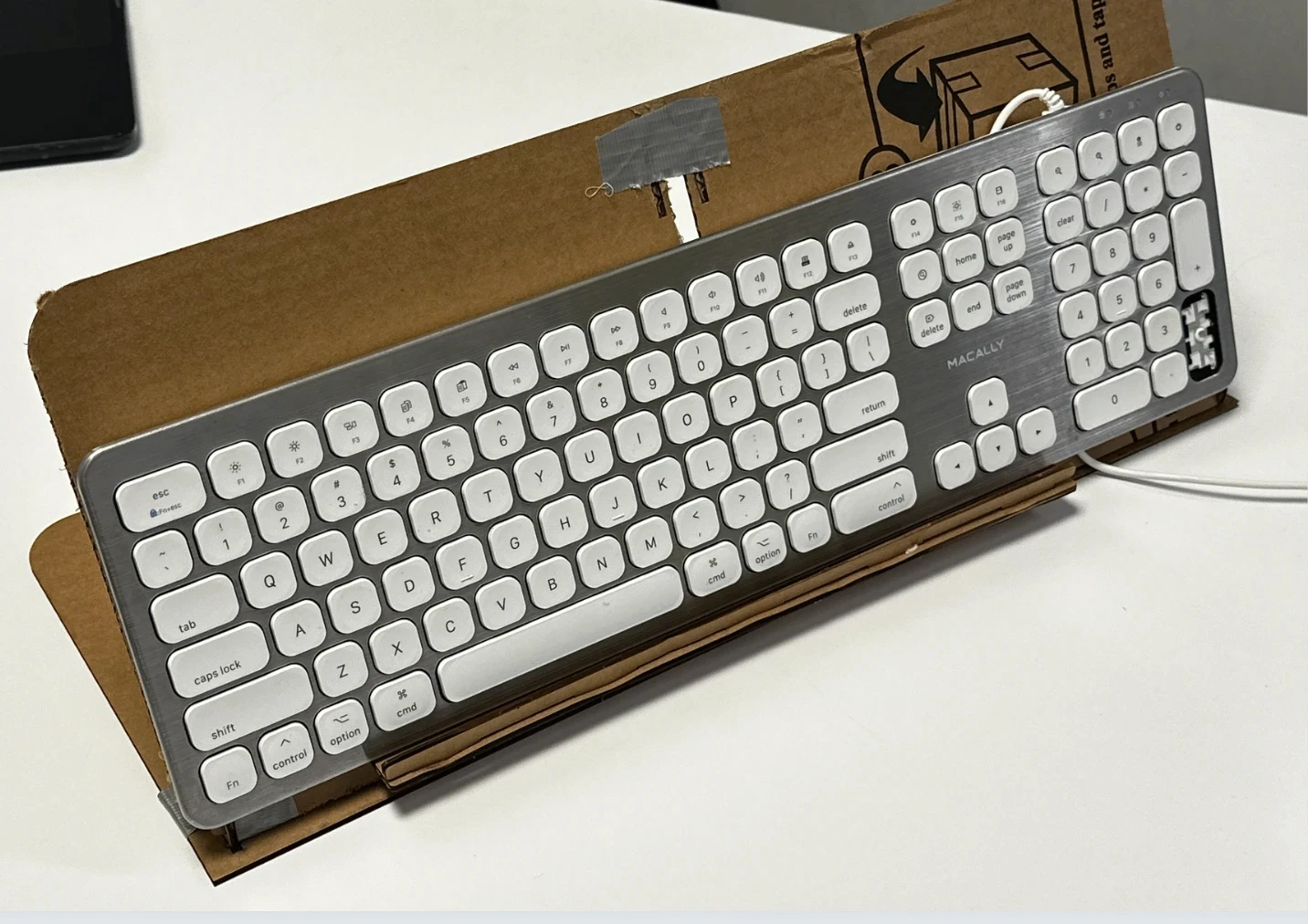
For individuals who type with their feet, there is no off-the-shelf solution. The ergonomic products designed for standard keyboard use simply don't translate — and the gap between what exists and what's actually needed is significant. Our collaborator Jessica had engineered a workaround: a laptop stand combined with a support box and improvised padding. It worked, after a fashion. But it came with daily frustrations that compounded over time. The stand was too narrow to properly support a full keyboard — pressing keys along the edges caused the entire setup to shift and tip. A front lip, designed to hold a laptop, blocked the bottom row of keys entirely, making the spacebar and command key awkward to reach and forcing unnatural foot positioning throughout the day. The ask was straightforward: replace the improvised setup with something purposefully designed — stable, ergonomic, and built around the actual needs of a foot typist.
We focused on two core issues:
Instability: The stand was too narrow to properly support a full keyboard. Pressing keys along the edges — particularly the number pad — caused the entire setup to shift or tip, breaking concentration and flow.
Blocked Access: A front lip, originally intended to hold a laptop in place, obstructed the bottom row of keys. This made it difficult to reach essential keys like the space bar and command, leading to awkward foot positioning and reduced efficiency.
Our goal was to design a low-tech, high-impact system that replaced the improvised setup with something stable, accessible, and truly ergonomic — tailored to the needs of foot typists.
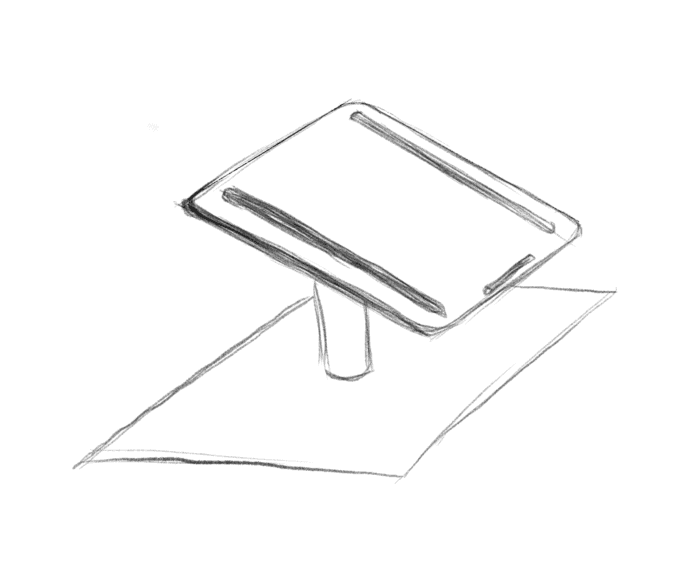 | 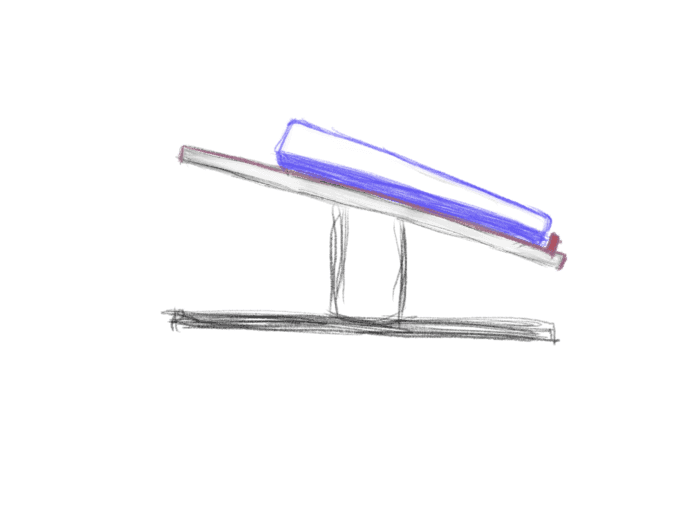 |
ketch of the laptop stand at a 1/3 angle | Sketch of the laptop stand side view, showing keyboard and the lip of the stand |
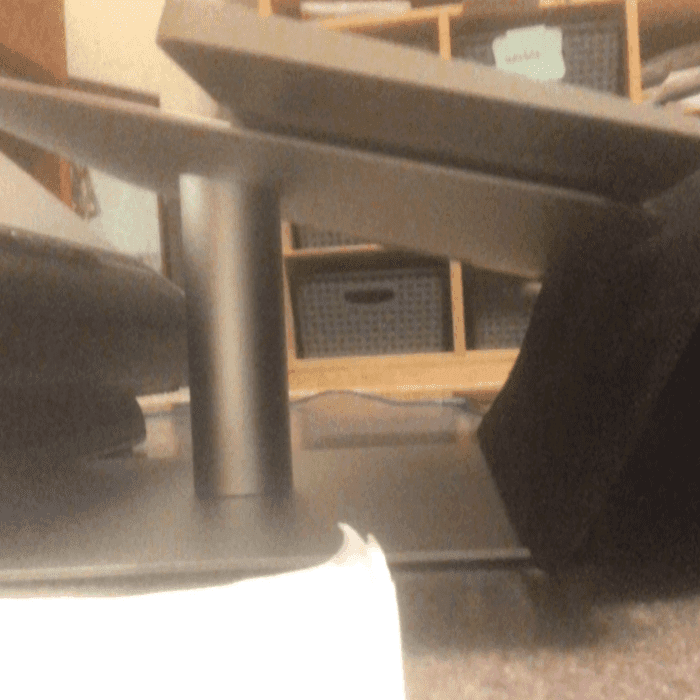 | 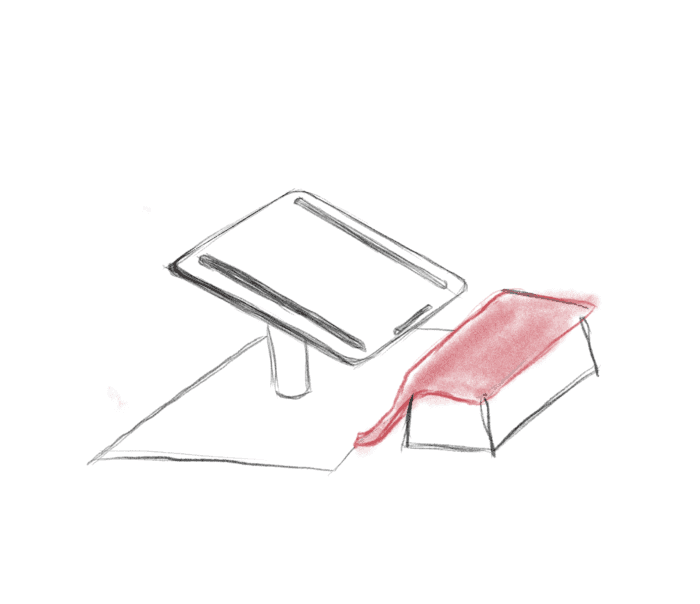 |
Image of the actual setup showing part of the stand and the mouse pad | A sketch of the setup with the stand, a box used for support and a mouse pad used for padding |
 |
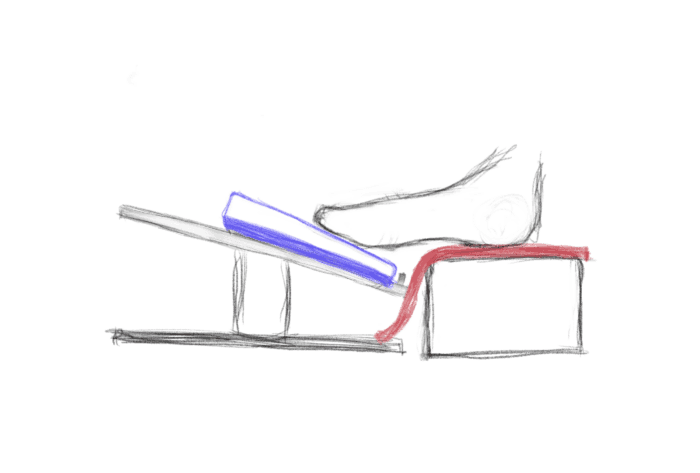 |
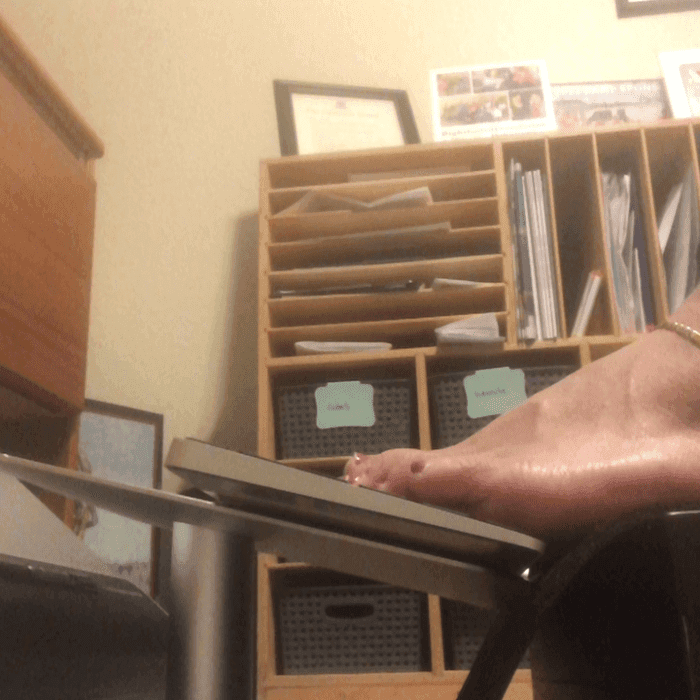
Actual image of jessica using the setup and typing with her feet | A sketch of the setup highlighting all essential components and feet placement |
After a process of exploration and close collaboration with users, we developed the ToeTapText system — a simple, three-part solution that makes typing with your feet a much better experience. This design directly tackles the main problems we discovered early on: instability, blocked keys, and poor ergonomic support.
The system is made up of three straightforward components that work together smoothly:
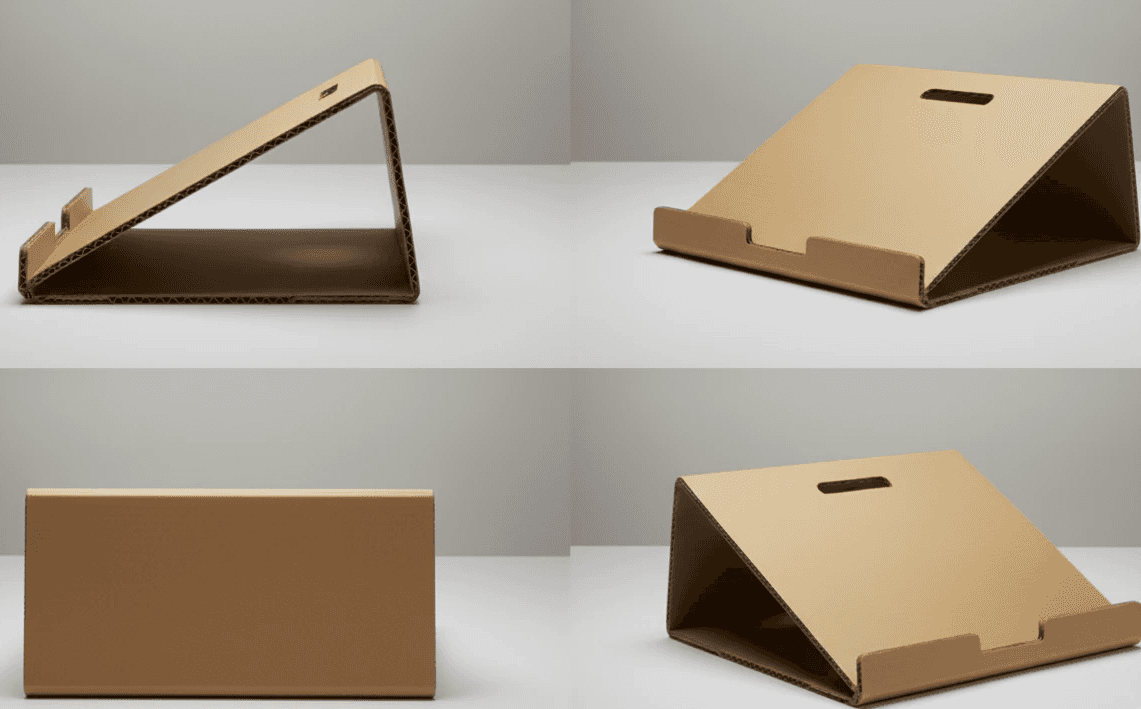
Custom Keyboard Stand: A sturdy stand built to fit a keyboard perfectly. It provides the right ergonomic angle for comfortable use while keeping every key easily accessible without any obstruction.
Contoured Heel Rest: A thoughtfully shaped support that cradles the heel and arch of the foot. This small addition offers important stability and allows natural movement, making typing more comfortable and less tiring.
Tactile Key Overlays: Simple, textured overlays for the keys that give crucial sensory feedback. This low-tech feature helps users type more confidently and accurately — all without needing batteries or software.
ToeTapText shows how thoughtful, uncomplicated design can have a big impact. By focusing on the real needs of users, we created a solution that’s both accessible and genuinely improves daily life.
ToeTapText replaced years of daily compromise with a setup that simply works. Jessica gained a stable, ergonomic system tailored to how she actually types — not adapted from something designed for someone else.
The project is also a case study in what human-centered design looks like when it's done rigorously: built on observation rather than assumption, iterated in close collaboration with the user, and delivered without over-engineering. The most impactful accessibility solutions are often the simplest ones — this was a chance to prove it.